
Samsung One UI 9.5 Beta Rolling Out For Galaxy S26 Series Users In India: New Features & How To Download
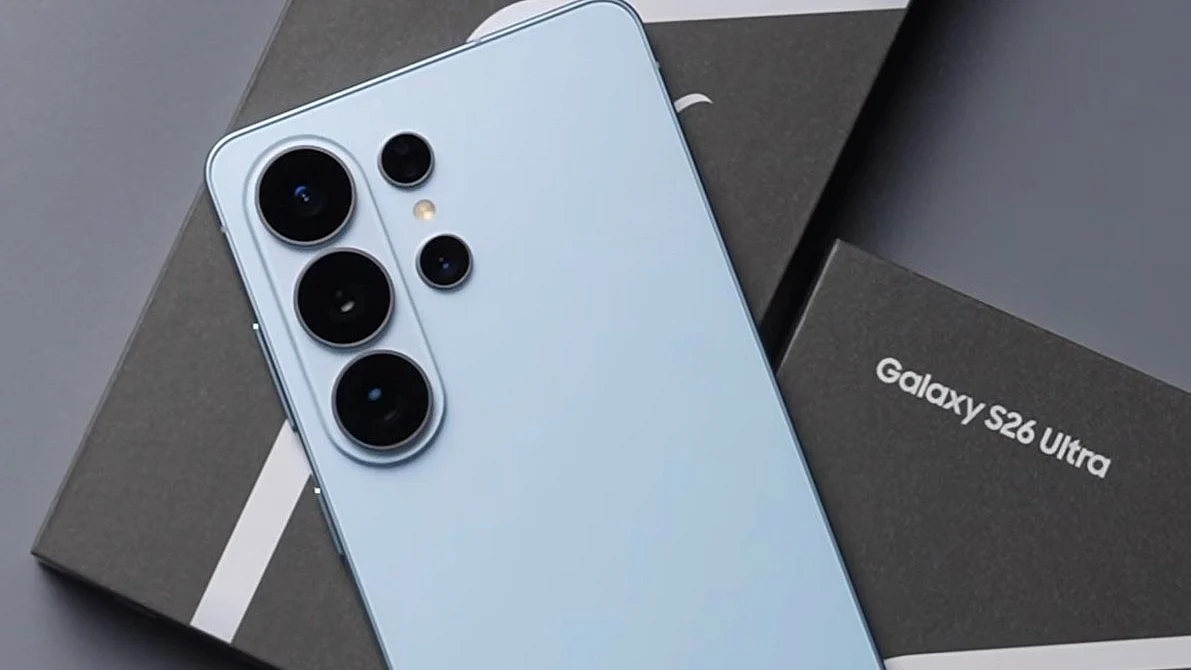
Samsung has begun beta testing of One UI 9.5 on its Galaxy S26 phones, giving users in India and five other countries early access to the software before its stable release.
Samsung One UI 9.5 Beta: Who gets it
The beta is limited to the Galaxy S26, Galaxy S26+ and Galaxy S26 Ultra. Users in six countries can take part for now - Germany, India, Poland, South Korea, the UK and the US. In India, eligible users can apply through the Samsung Members app, and Samsung has stressed that this is a testing release, not the final rollout. The beta is based on Android 17.
The Galaxy S26 FE is not part of this first phase, and Samsung has not said when the beta will reach older Galaxy S models, Galaxy Z foldables or more markets. Availability of individual features may also vary by device and region.
Samsung has refined its UI transparency and blur rendering across several core system elements. pic.twitter.com/zwVtnKo11J
— One UI Beta (@OneUIBeta) November 19, 2026
Samsung One UI 9.5 Beta: What's new
- App Lock: Users can lock individual apps with biometrics or their existing screen lock. Samsung says notification content and widgets from locked apps stay hidden. The feature is separate from Secure Folder.
- Camera controls: The camera app gets a redesigned zoom bar and a layout that groups key adjustments in one place. Pro and Pro Video modes get customisable controls, presets and more detailed monitoring tools. These are limited to devices that support the modes, and Pro Lite and Pro Video Lite are excluded.
- Mind Note: A new journaling feature in Samsung Health lets users write freely or follow guided prompts. It is not supported on the Galaxy Watch.
- Medications: Samsung lists medication management among the health tools. Users can log prescriptions, vitamins and supplements, set reminders and track adherence. Tracking and reminders existed in earlier Samsung Health versions, and Samsung says availability varies by market and that the tools do not offer medical advice.
- Accessibility: A floating shortcut keeps frequently used controls within reach. Users with compatible hearing aids can adjust volume from the notification panel and choose whether notifications, calls or alarms reach the aids.
One UI 9.5 introduces a streamlined, inline permission prompt for sideloading APKs, replacing the legacy redirect to the "Install unknown apps" Settings menu.
— One UI Beta (@OneUIBeta) November 19, 2026
Powered by Android 17 QPR2, the updated dialog adds a granular "Only this time" option—allowing single-session APK… pic.twitter.com/Bioj9OuiZW
Samsung One UI 9.5 Beta: How to download**
1. Open Samsung Members on a supported Galaxy S26 phone and sign in with your Samsung account.
2. Tap the One UI beta banner or registration card, review the terms and register.
3. Go to Settings > Software update > Download and install.
4. Install the beta when it appears.
Samsung advises updating installed apps and backing up important data with Smart Switch first.
Samsung One UI 9.5 Beta: Risks and rollback
Samsung warns that beta software can have bugs, behave unexpectedly or cause data loss. Going back to the stable version means withdrawing through Samsung Members and performing a rollback with Smart Switch on a computer. This resets the phone and erases data generated during the beta, although a compatible backup can restore the rest. Users who depend on their phones for work or essential apps may prefer to wait.
This content is published by Free Press Journal and has not been created or edited by Hello Headlines. View original